
Stolen Tokens, Agents and Universal CAE: What Global Secure Access Adds to Entra ID
Show notes
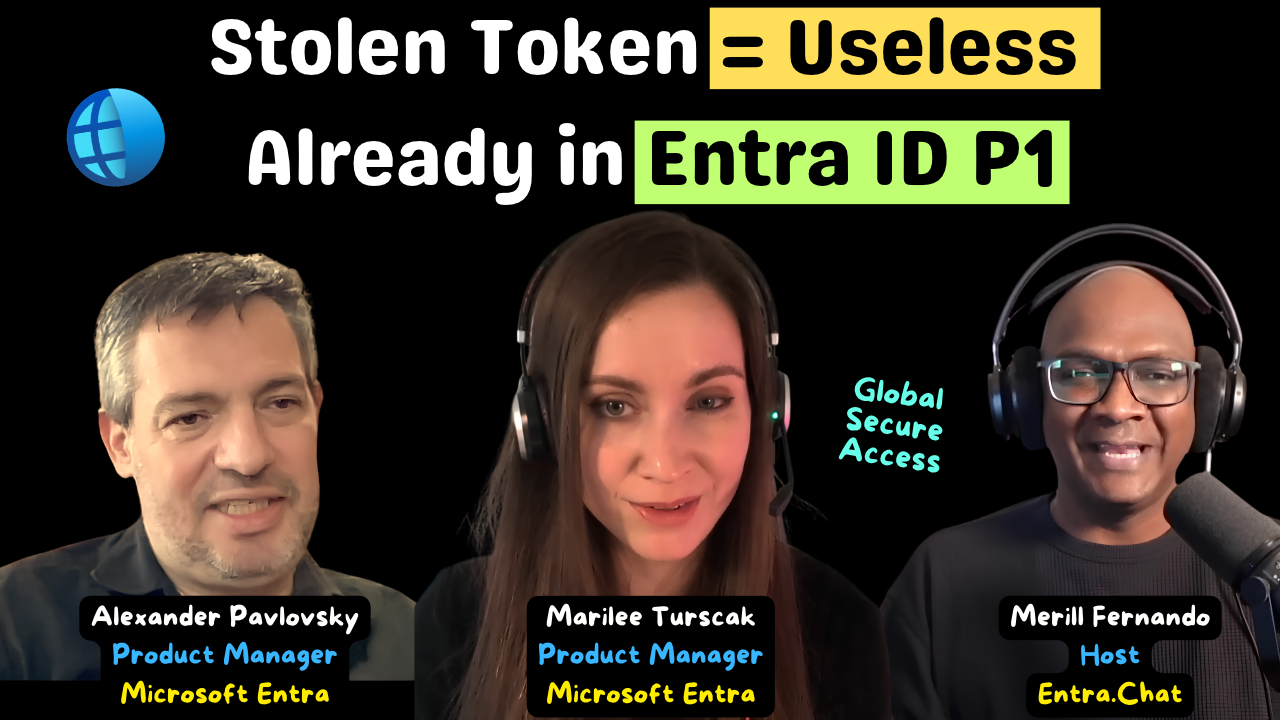
A phished and stolen refresh token is one of the most useful things an attacker can take from your tenant. It is a long-term artifact, which is why so many phishing attempts go after it. Alex Pavlovsky’s answer to that attack is a feature every Entra ID P1 tenant already owns.
Compliant network is part of Global Secure Access, and, like source IP restoration, it comes with Entra ID P1. Put the GSA client on your devices, add one Conditional Access policy that blocks access from anywhere outside the All Compliant Network locations named location, and a stolen refresh token or PRT cookie no longer works from the attacker’s own machine. As Alex puts it, the token itself does not become bound, but your use of it is gated by being on your organization’s compliant network.
Merill is joined by two former colleagues who are Microsoft Entra PMs: Alexander (Alex) Pavlovsky from the Global Secure Access feature team, and Marilee Turscak, who works on helping customers adopt AI safely. They explain why Microsoft built networking into identity, walk through the compliant network policy and a BYOD sign-in with no client installed, and demo a network policy that stops an agent from deleting a file its user is allowed to delete.
Why a stolen token stops working
For phishing itself, Alex is clear that the main line of defence is still stronger credentials that do not involve passwords. Compliant network helps with what comes after: the newer attack patterns where refresh tokens are stolen and replayed.
If your tenant-wide policy says you can only authenticate from a compliant network, you can also only replay refresh tokens from a compliant network. PRTs become unusable unless they are used from a device that has GSA, which means your organization’s device. Alex says the same applies to ROADtools-style attacks with PRT cookies: none of that works with compliant network in place. The signal is also tenant-specific. A GSA device in tenant B satisfies compliant network in tenant B and nowhere else.
In the demo, Alex builds the policy in a few clicks: all users, all resources (so the primary refresh token, Entra ID itself and Microsoft Graph are covered), any network except compliant network locations, then block. Start it in report-only mode, watch who is not coming through compliant network, pilot with a smaller group and expand. You do not need the advanced GSA licences for this, but you do need the GSA client on your devices or a remote network sending the traffic.
And exclude your break glass accounts. Alex has taken many panicked customer calls from admins who forgot, and Marilee locked herself out of a test tenant this way recently.
One engine for identity and network
When Merill joined Microsoft, he couldn’t see why networking belonged to the identity team. Alex explains the reasoning. When identity picks up a signal that a user, session or token is at risk, the network has to hear about it quickly, and passing those signals between separate systems through traditional APIs is too slow at this scale. So Microsoft made the identity engine and the network engine one engine.
That design shows up in source IP restoration. Behind a typical proxy or security service edge, every user looks like they signed in from the provider’s shared IP range. GSA sends the user’s original source IP to Entra securely, so sign-in logs are accurate, Conditional Access can evaluate the user’s own IP, and Identity Protection’s location and impossible travel detections work again. It is also why compliant network works at all: the GSA edge shares a security engine with Entra ID, so it can tell Entra that this is a legitimate GSA device from a specific tenant, and Entra can trust that signal.
The network can tell agents from users
“Agents are super deterministic. They are very resourceful. They do not give up.” Alex also argues that saying no to agents means falling behind your competitors, so the question becomes how to protect their use.
GSA can detect when network access comes from an agent, and its policy rules can match on the HTTP method, the destination and whether a user or an agent is acting. Marilee’s baseline recommendation is to block sensitive actions by agents. In her demo, the Zava helper agent tries to remove a document from Dropbox and gets an “agent is not authorized” error, because a policy called “block agents from destructive actions” blocks the DELETE method for agents only. The user checkbox is left clear, so the person can still delete the file themselves. The logs show the same attribution, which Alex says is valuable even before you apply any policy.
Alex also describes Copilot Studio agents running through GSA with no client anywhere. A Copilot Studio admin checks one box to enable the GSA integration, and with Internet Access and a policy in place, that agent traffic flows through GSA and your policies apply.
BYOD without the client
Marilee shows a user on a personal device with no GSA client. When she signs in, she is prompted to switch to her work browser profile, and from then on Explicit Forward Proxy sends that profile’s traffic through GSA. When she tries to open Facebook, she is blocked inside the work profile and nowhere else on her device. Alex sees the managed Edge profile becoming a sandbox with secure network access and Purview DLP, which could reduce the need for remote browser isolation. The full client still gets the most features, including agent detection, and remote networks are a third way to send traffic through GSA.
Universal CAE now acts on device state
Continuous access evaluation used to depend on applications that understood it, which mostly meant SharePoint, Teams and Exchange. Send an app’s traffic through GSA and it becomes CAE-aware too, including private apps. If an admin is on an SSH session over GSA and Entra flags their identity, Alex says the session is dead within about two to five minutes, even if their token is good for another 90 minutes.
The week before recording, Microsoft added device state support. If Intune or a third-party MDM marks a device non-compliant in Entra ID, GSA asks the user to bring it back into compliance or lose network connectivity. User risk changes and device deletion or disablement also trigger it now. If you already run GSA, you get this without changing anything, which is Merill’s favourite kind of feature.
If you have Entra ID P1 and have never deployed the GSA client, compliant network is the place to start.
About Alexander Pavlovsky
Alexander Pavlovsky is a Product Manager on the Microsoft Entra Global Secure Access feature team. He has been at Microsoft for 22 years. He started in Microsoft Consulting, installing domain controllers and Exchange servers for customers from CDs, then moved to the identity product team as a customer-facing PM in the Entra GTP (Get To Production) team, later CXE (Customer Experience), helping organizations adopt Azure AD.
LinkedIn - https://linkedin.com/in/alexpav
About Marilee Turscak
Marilee Turscak is a Product Manager on the Microsoft Security team focusing on Microsoft Entra. For the past two years she has focused on getting customers deployed across the Microsoft Entra Suite, and she now works on helping customers adopt AI safely and securely.
LinkedIn - https://linkedin.com/in/marilee-turscak
Related Links
* What is Global Secure Access? - overview and the licensing table for each feature (mentioned at 10:08) - https://learn.microsoft.com/en-us/entra/global-secure-access/overview-what-is-global-secure-access
* Source IP restoration (mentioned at 15:07) - https://learn.microsoft.com/en-us/entra/global-secure-access/how-to-source-ip-restoration
* Universal Conditional Access (mentioned at 15:26) - https://learn.microsoft.com/en-us/entra/global-secure-access/concept-universal-conditional-access
* Universal Tenant Restrictions (mentioned at 15:26) - https://learn.microsoft.com/en-us/entra/global-secure-access/how-to-universal-tenant-restrictions
* Compliant network check with Conditional Access (mentioned at 18:24) - https://learn.microsoft.com/en-us/entra/global-secure-access/how-to-compliant-network
* ROADtools - the Azure AD and Entra ID exploration framework behind many PRT cookie attacks (mentioned at 21:19) - https://github.com/dirkjanm/ROADtools
* BYOD with Global Secure Access (mentioned at 23:30) - https://learn.microsoft.com/en-us/entra/global-secure-access/concept-bring-your-own-device
* Explicit Forward Proxy overview (mentioned at 24:31) - https://learn.microsoft.com/en-us/entra/global-secure-access/concept-explicit-forward-proxy
* Configure Explicit Forward Proxy for Microsoft Edge with Intune (mentioned at 25:06) - https://learn.microsoft.com/en-us/entra/global-secure-access/how-to-configure-explicit-forward-proxy-intune-policy
* WebMCP (mentioned at 27:05) - https://github.com/webmachinelearning/webmcp
* Remote network connectivity (mentioned at 27:54) - https://learn.microsoft.com/en-us/entra/global-secure-access/concept-remote-network-connectivity
* Web filtering, including rules that match on user or agent and HTTP method (mentioned at 29:43) - https://learn.microsoft.com/en-us/entra/global-secure-access/concept-web-filtering
* AI agent discovery (mentioned at 29:43) - https://learn.microsoft.com/en-us/entra/global-secure-access/concept-ai-agent-discovery
* Secure Web and AI Gateway for Copilot Studio agents (mentioned at 34:13) - https://learn.microsoft.com/en-us/entra/global-secure-access/concept-secure-web-ai-gateway-agents
* Set up Global Secure Access for Copilot Studio agents (mentioned at 34:13) - https://learn.microsoft.com/en-us/entra/global-secure-access/how-to-secure-web-ai-gateway-agents
* Tutorial: require a compliant network for Microsoft traffic (mentioned at 39:22) - https://learn.microsoft.com/en-us/entra/global-secure-access/tutorial-microsoft-traffic-compliant-network
* Manage emergency access (break glass) accounts (mentioned at 41:01) - https://learn.microsoft.com/en-us/entra/identity/role-based-access-control/security-emergency-access
* Conditional Access report-only mode (mentioned at 42:52) - https://learn.microsoft.com/en-us/entra/identity/conditional-access/concept-conditional-access-report-only
* Universal Continuous Access Evaluation (mentioned at 45:12) - https://learn.microsoft.com/en-us/entra/global-secure-access/concept-universal-continuous-access-evaluation
* Continuous access evaluation in Microsoft Entra ID (mentioned at 45:12) - https://learn.microsoft.com/en-us/entra/identity/conditional-access/concept-continuous-access-evaluation
Related Entra.Chat Episodes
* Identity-Centric Network Security: Entra Global Secure Access Architecture & Benefits - https://entra.news/p/identity-centric-network-security
* Global Secure Access Explained: Real-World Rollouts, Mistakes, and Best Practices - https://entra.news/p/global-secure-access-explained-real
* The Ultimate Microsoft Entra Global Secure Access Migration Guide - https://entra.news/p/the-ultimate-microsoft-entra-global
Chapters
00:00 Cold open01:14 Intro01:32 Meet Alex and Marilee05:18 Why networking became part of identity10:08 How Global Secure Access works15:07 Source IP restoration18:24 Compliant network comes with Entra ID P119:51 Compliant network vs stolen tokens21:47 How compliant network actually works23:30 BYOD without the client29:43 Telling agents apart from users31:02 Baseline: block risky agent actions34:13 Copilot Studio agents through GSA37:20 Identity and network teams must converge39:22 Demo: require a compliant network43:45 What happens to a stolen token45:12 Universal continuous access evaluation49:35 Wrap-up
Podcast Apps
Entra.Chat - https://entra.chat
Apple Podcast - https://entra.chat/apple
YouTube - https://entra.chat/youtube
Spotify - https://entra.chat/spotify
Overcast - https://entra.chat/overcast
Pocketcast - https://entra.chat/pocketcast
Others - https://entra.chat/rss
Merill’s socials
YouTube - youtube.com/@merillx
LinkedIn - linkedin.com/in/merill
Twitter - twitter.com/merill
TikTok - tiktok.com/@merillf
Bluesky - bsky.app/profile/merill.net
Mastodon - infosec.exchange/@merill
Threads - threads.net/@merillf
GitHub - github.com/merill
Get full access to Entra.News - Your weekly dose of Microsoft Entra at entra.news/subscribe